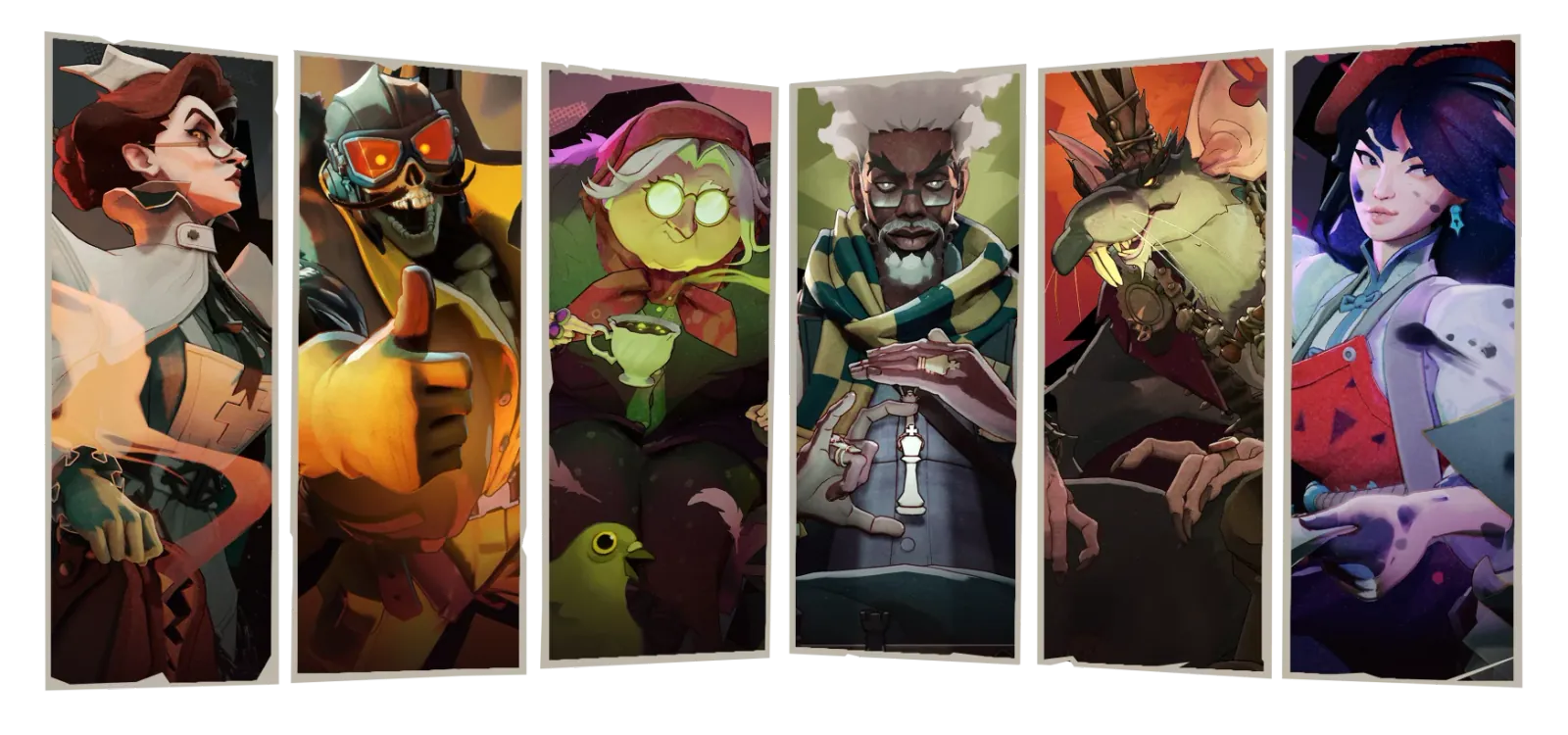
How to install Deadlock mods
How to install Deadlock mods, where to download them, and whether they can get you banned.
· 8 min read · Last updated

TL;DR
Two ways to install Deadlock mods. The fast one: install the Deadlock Mod Manager, open the Mods Store, and click download on any mod.
The manual one:
- Open
game/citadel/gameinfo.gi, find theSearchPathsblock, and replace itsGame citadelandGame corelines with these:
Game                citadel/addons
Mod                 citadel
Write               citadel
Game                citadel
Write               core
Mod                 core
Game                core
- Create a folder called
addonsingame/citadel. - Download a mod from deadlocktrade.gg or
GameBanana, unpack the archive, and put
the
.vpkinside it intoaddonsnamedpak01_dir.vpk.
How Deadlock mods work
A Deadlock mod is a .vpk archive that replaces what you see in the game: a
hero skin, a HUD, a sound, a recolour. Deadlock loads it through its addon
system. The game reads the search paths listed in game/citadel/gameinfo.gi,
finds any pak##_dir.vpk file sitting in game/citadel/addons, and loads its
contents over the default assets on your machine only.
Nothing in the base game is overwritten. Delete the .vpk and Deadlock is back
to stock.
Where to download Deadlock mods
Three places. Whichever you use, the file comes from the author.
- The deadlocktrade.gg mod library — browse by hero or category. Every mod page has a GameBanana download and a Mod Manager one-click button.
- GameBanana — the authors' own pages, where updates and breakage reports get posted.
- Inside Deadlock Mod Manager — the built-in Mods Store lets you search and browse without opening a browser.
Method 1: Deadlock Mod Manager
Deadlock Mod Manager is a free, open-source Windows app built by stormix, skeptic and tylevo. It downloads mods, names and places the files for you, and keeps a library of what you have installed.
Download and install the manager
Download the installer from deadlockmods.app and run it. The releases are also published on GitHub if you would rather take them from the source repository.
Install your first mod
Open the Mods Store, search or browse, and install any mod from its card. Deadlock Mod Manager downloads the file, puts it where Deadlock expects it, and adds it to your library.

Pick which skin is active per hero
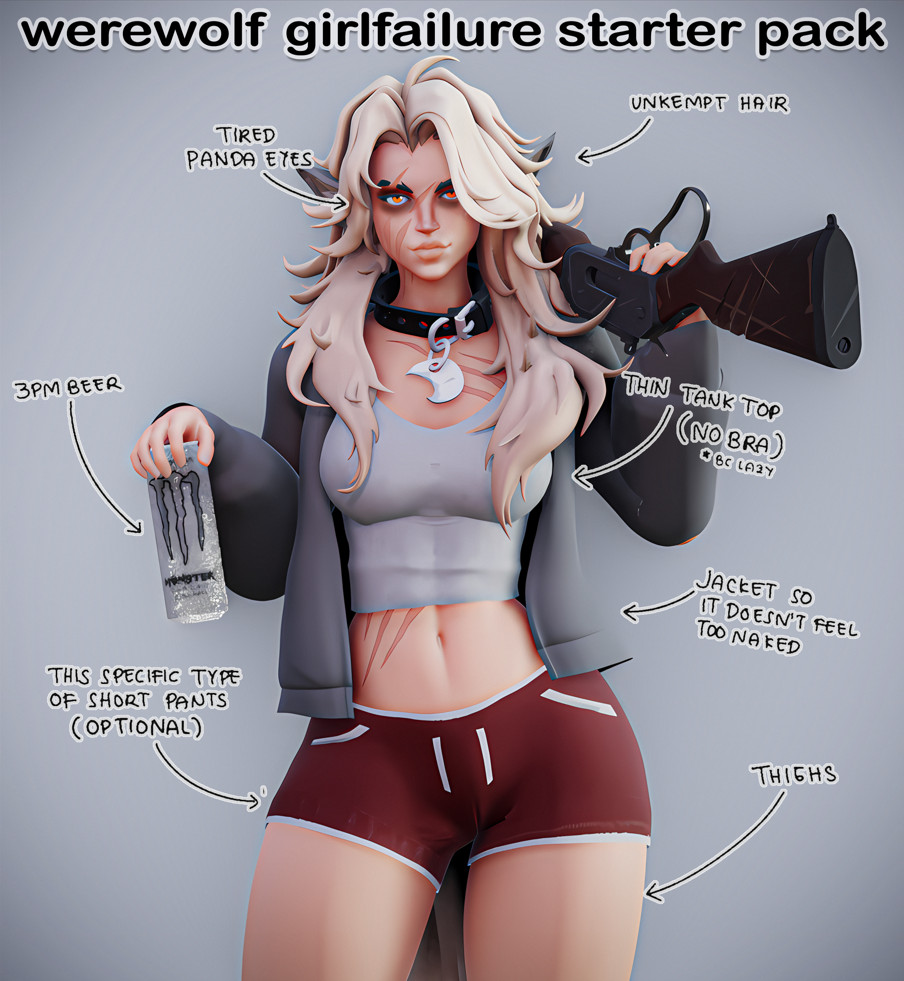
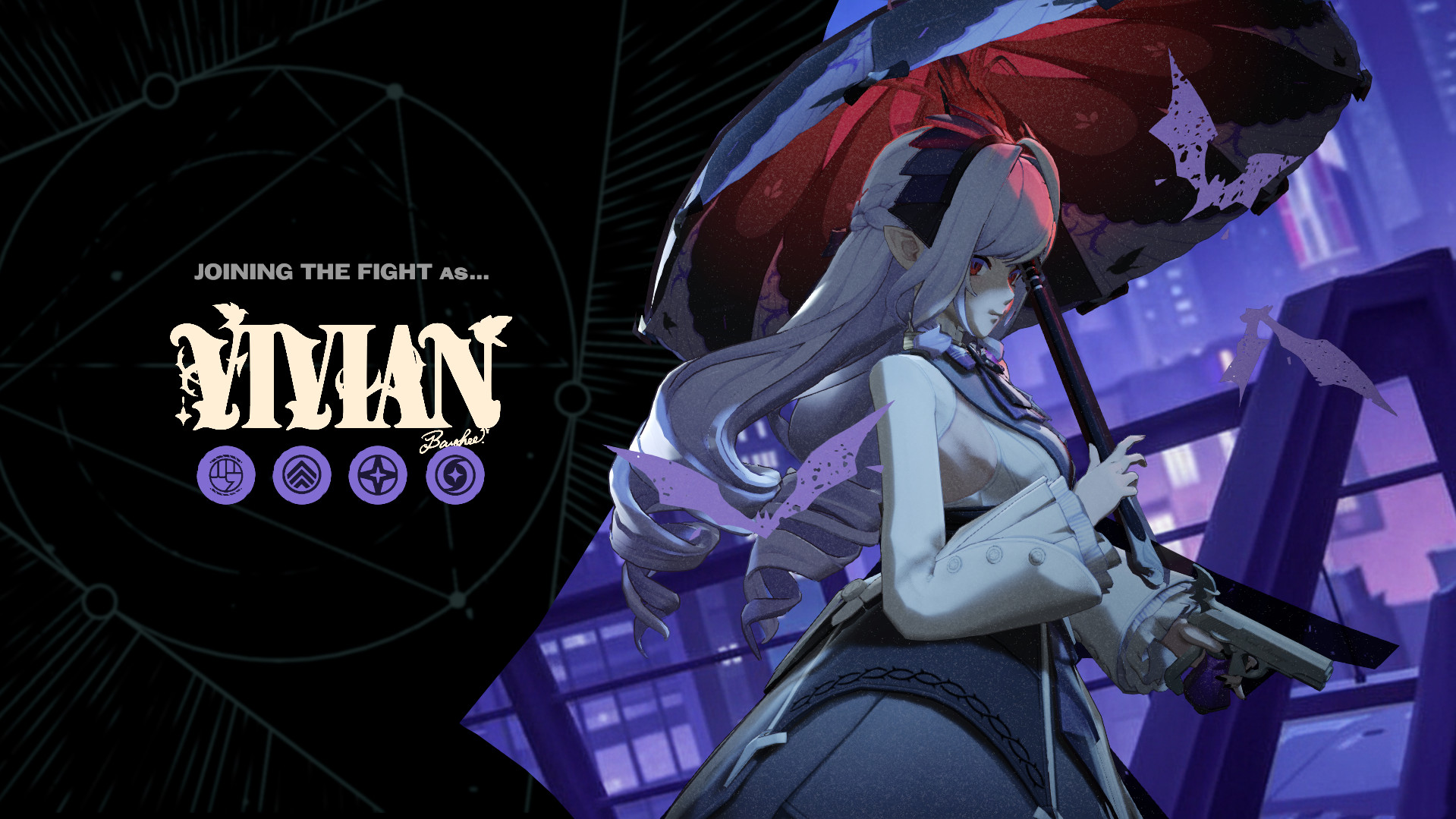
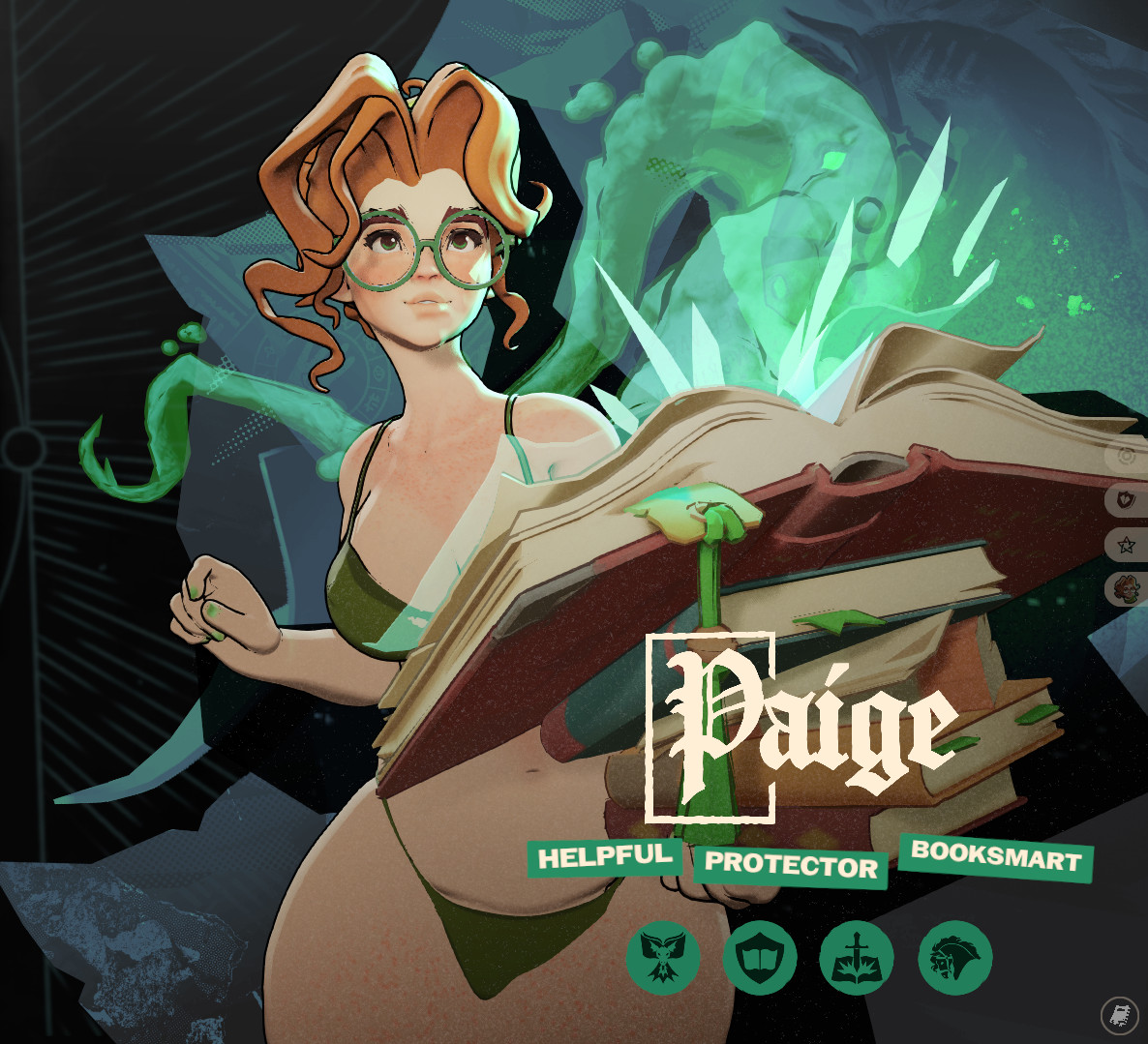
Hero Skins lists every hero and lets you choose which downloaded skin is active for each one. Download three Haze skins, then switch between them from that screen without touching a file.

Install with one click from a mod page
Every mod page on deadlocktrade.gg and GameBanana has a Mod Manager button. Click it and the mod installs itself — no downloading, unpacking or renaming.

Try one now
All skins →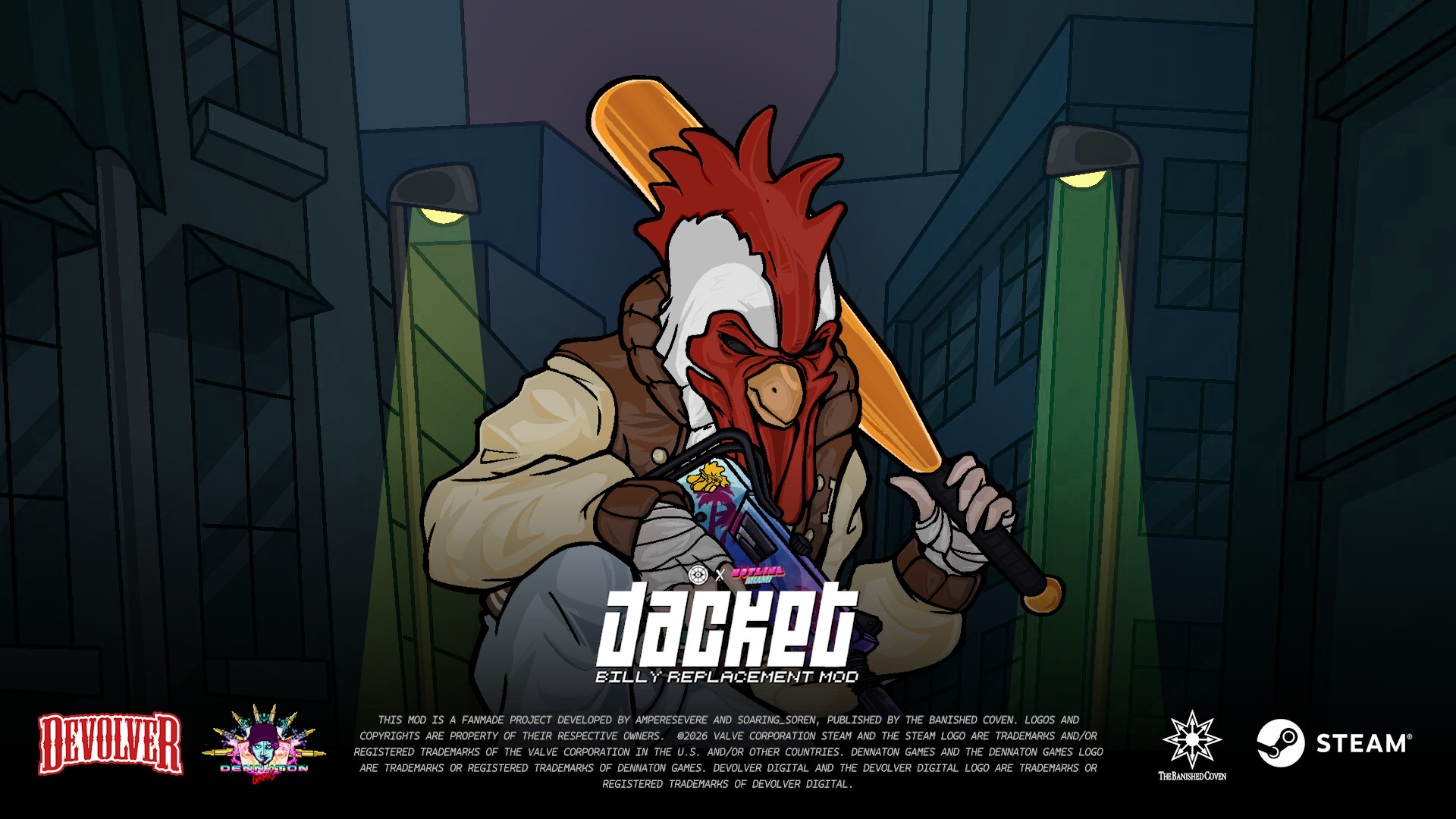
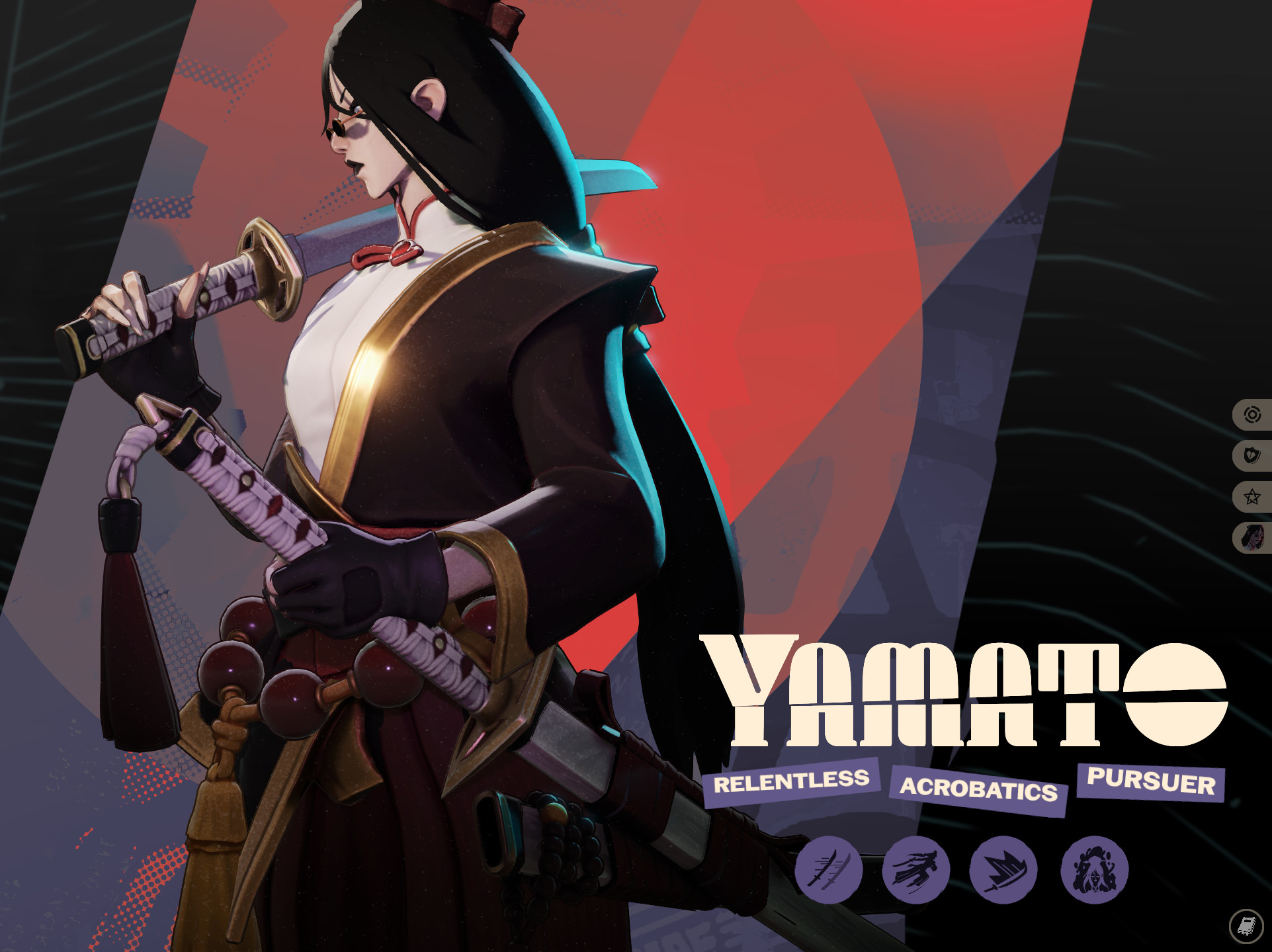
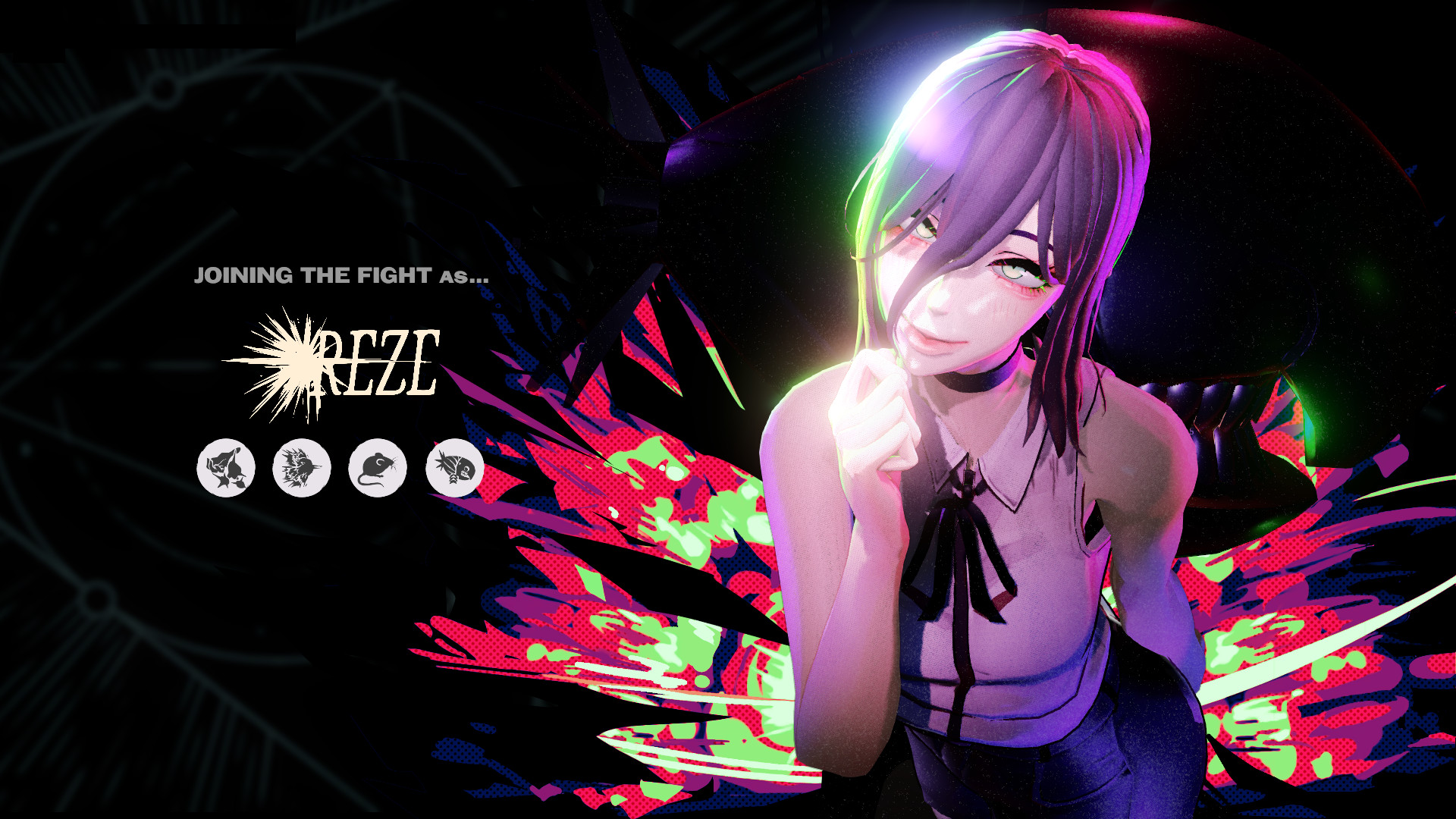
Method 2: install manually
You do two things once: point Deadlock at an addons folder, and create it.
After that, installing a mod is dropping a file into that folder.
Step 1 · Find your Deadlock folder
In Steam, right-click Deadlock and choose Properties → Installed Files →
Browse. Open game/citadel.


Step 2 · Add the addons search path
Open gameinfo.gi in any plain-text editor and find the SearchPaths block.
It ends with two lines:
Game                citadel
Game                core

Swap those for these seven:
Game                citadel/addons
Mod                 citadel
Write               citadel
Game                citadel
Write               core
Mod                 core
Game                core
Save the file.
Step 3 · Create the addons folder
Still in game/citadel, create a folder named addons.

Step 4 · Drop the .vpk into addons
Unpack the archive you downloaded from GameBanana. Inside is a .vpk — put
that into addons and name it pak01_dir.vpk. The number is yours to choose;
the pak##_dir.vpk shape is what the engine looks for.
The number decides who wins a conflict. Two Haze skins as pak01_dir.vpk and
pak02_dir.vpk cannot both apply — pak01 loads and pak02 is ignored, with
no warning. Mods that touch different things, a skin and a HUD say, stack
happily on any numbers.

Anything not matching that pattern is ignored, which is the most common reason a Deadlock mod does not load. Start Deadlock and the mod is live.
How to uninstall a Deadlock mod
In Deadlock Mod Manager, toggle the mod off in the Mods Library, or
uninstall it outright. Manually, delete its .vpk from game/citadel/addons.
Neither action touches a Deadlock game file, so there is no repair step. To go
fully back to stock, delete the addons folder and put the SearchPaths block
back the way it was — the two Game citadel and Game core lines.
If something is still wrong after that, run Steam's Verify integrity of game
files. It rewrites gameinfo.gi from Valve's copy.
Deadlock mods not working
Work down this table in order. The first two rows account for most failures.
| Symptom | Cause | Fix |
|---|---|---|
| Nothing happens, game runs fine | File is not named pak##_dir.vpk | Rename it to pak01_dir.vpk |
| Nothing happens, name is correct | gameinfo.gi is missing Game citadel/addons | Re-apply Step 2 |
| Installed via the manager, no effect | The mod is disabled | Enable it in the Mods Library |
| Only one of two mods appears | Both change the same asset | Renumber or remove one |
| Game will not start, KeyValues error | Unbalanced braces in gameinfo.gi | Verify integrity of game files |
| Worked yesterday, broken today | A patch reset gameinfo.gi, or the mod is outdated | Re-apply Step 2, then check the mod page |
Are Deadlock mods bannable
No. Deadlock mods are allowed in matches and will not get you banned, provided they do not give you an unfair advantage. Deadlock loads mods client-side through its addon system, so cosmetic work such as skins, recolours, HUD tweaks and sounds only changes what you see. Other players never render your mods.
Mods never overwrite Deadlock game files, so a bad one cannot corrupt your install. The worst case is a mod that fails to load. Anything that surfaces information the game does not normally give you falls outside cosmetics and is the category to avoid.
When Deadlock updates
Deadlock patches sometimes overwrite gameinfo.gi, which removes your search
paths and stops every manually installed mod at once. If all your mods vanish
after an update, re-apply Step 2 before assuming anything is broken.
A patch that changes a model or the HUD layout can also break individual mods until their author updates them. Model replacements and full HUD overhauls are the most fragile; recolours and config tweaks usually survive. No central signal exists for this, so check the mod's GameBanana page, where the author posts updates and other players report breakage.
Manager cannot find your game
Set the folder yourself. Deadlock Mod Manager detects your Deadlock installation on first launch, and detection fails when Deadlock sits on a second drive or in a non-default Steam library.
Open Settings → Game Directory and point it at your Deadlock folder. To find that folder, right-click Deadlock in Steam and choose Properties → Installed Files → Browse; the folder that opens is the one to select. If detection fails again after a Steam update or after moving the game, set the path once more.